How public libraries are changing the hobby for tabletop gamers and model builders.
If you’re a tabletop gamer, a diorama artist, or a military model enthusiast, you know the frustration: the perfect shoulder pad is out of stock, that piece of terrain costs a fortune to ship, or you simply need a unique objective marker that doesn’t exist anywhere else. Historically, the solution was expensive commercial 3D printing.
Today, Canada’s public libraries and academic makerspaces have revolutionized this problem, offering sophisticated Fused Deposition Modelling (FDM) 3D printers that are perfect for hobbyists—and often only require the cost of a library card. This subsidized system has reduced material costs by as much as 8x to 20x compared to standard commercial rates, putting desktop manufacturing power directly into your hands.
Here is your essential guide to turning those digital sculpts and kitbashing ideas into real-world miniatures using Canada’s low-cost printing hubs.
The Creative Power: What You Can Print for Your Hobby
Public-access 3D printers aren’t just for simple trinkets. For hobbyists, tabletop gamers, and model builders, they open up endless creative possibilities. Whether you design your own pieces with free software like TinkerCAD or download ready-made models from community sites like Thingiverse, you can easily bring your digital ideas to life. Many library makerspaces even have staff available to guide beginners through the process.
What You Can Print
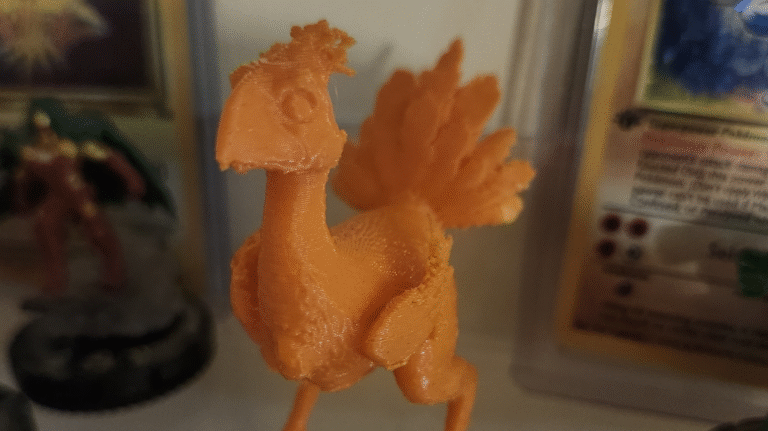
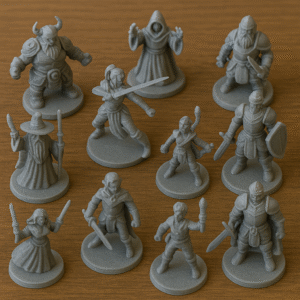
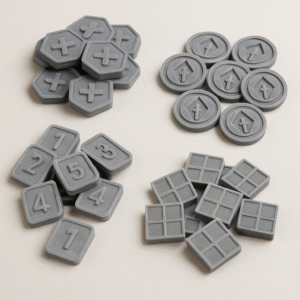
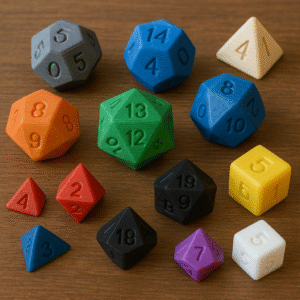
Custom Game Tokens and Markers Create perfectly themed tokens for complex board games or design personalized objective markers for tabletop wargames.
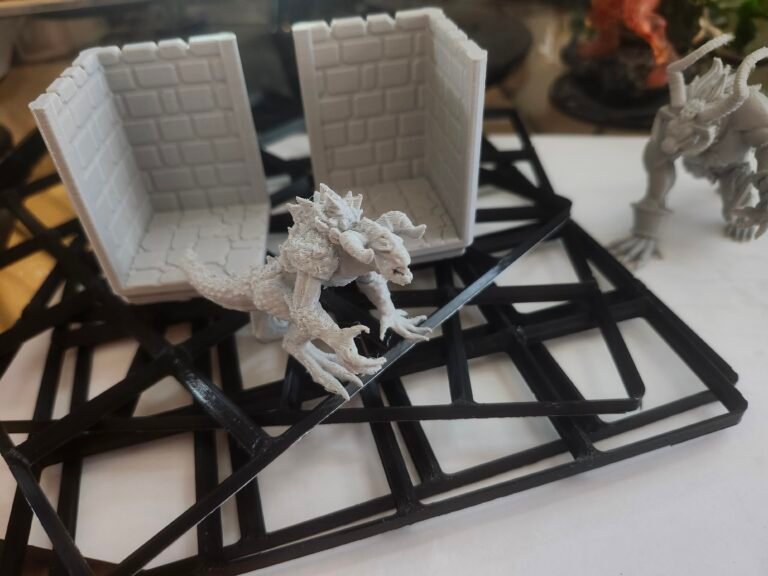
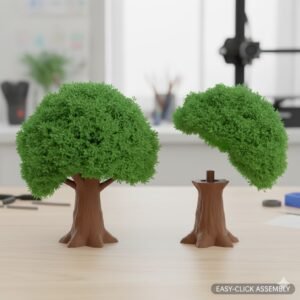
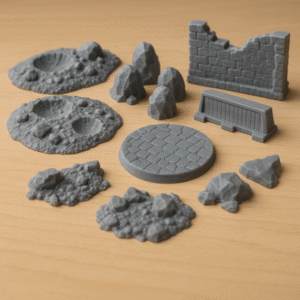
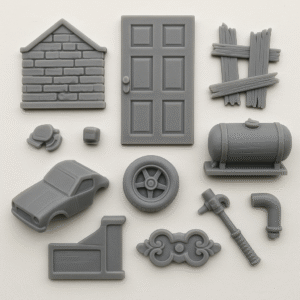
Basing and Terrain Accessories Print scenic bases, scattered terrain, ruined walls, or road barriers to make your tabletop setups look more realistic and immersive.
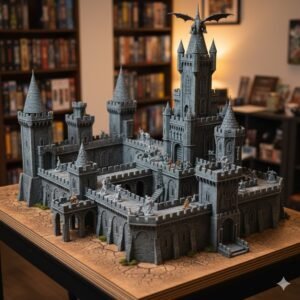
Large-Scale Modular Projects Ever wanted an epic centerpiece, like a full castle or a starship hangar, that is far too big for the printer? Many complex models are specifically designed to be printed in modular, interlocking sections. This allows you to tackle an enormous project one manageable piece at a time. You can print a tower one week and a wall section the next, gradually building your collection of parts over the course of several visits. Once you have all the components, they click together to form the final, stunning structure.
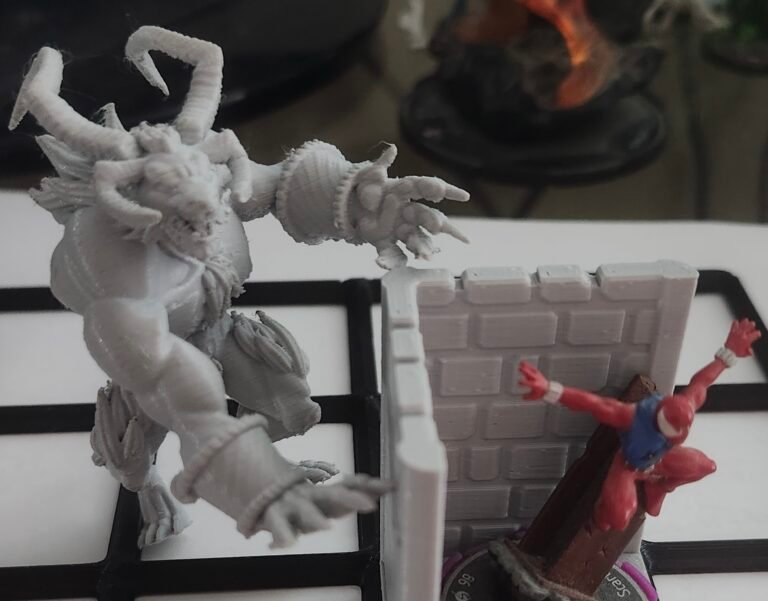
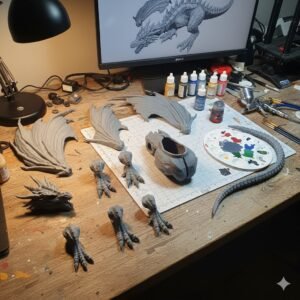
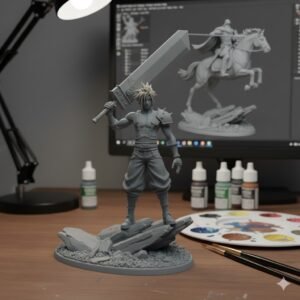
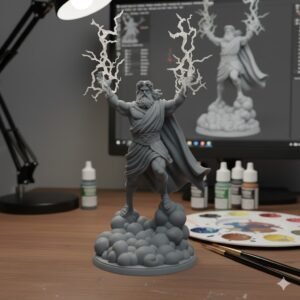
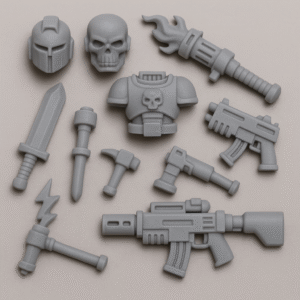
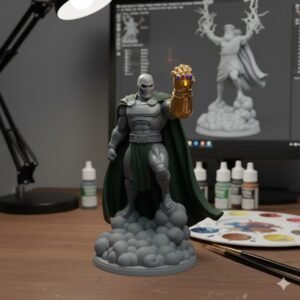
Kitbashing and Conversions Need a specific weapon, helmet, or piece that doesn’t exist in your current kit? Print customized parts to personalize your miniatures and make your models truly one-of-a-kind.
Replacement Parts Replace lost or broken components — such as doors, vehicle pieces, or decorative details — for just a few cents’ worth of material.
The FDM Price Index: Affordable Material Costs
The biggest advantage of public-access 3D printing in Canada is the heavily subsidized pricing model.
Most libraries only charge for the raw material — Polylactic Acid (PLA) — used in your print, making it far cheaper than commercial 3D printing services.
Key Institutions and Their Pricing Models
Montreal Public Libraries (e.g., Pierrefonds, Benny Fab)
Cost Model: Pure subsidy (no charge for PLA)
Base Fee: Free with a valid library membership
Why It’s Great for Hobbyists:
Unbeatable value for high-volume printing of small terrain or multiple miniature poses
Perfect for testing different designs or poses without worrying about cost
York University (Markham Makerspace)
Cost Model: Material cost only
Base Fee: $0.05 per gram (PLA or PETG)
Why It’s Great for Hobbyists:
Lowest price per gram in Canada
Excellent for printing batches of components or accessories if you can follow the setup guidelines
Winnipeg Public Library (ideaMILL)
Cost Model: Material cost only
Base Fee: $0.10 + tax per gram
Why It’s Great for Hobbyists:
Very competitive pricing
Uses professional dual-extrusion Ultimaker 3 printers capable of handling detailed or complex prints
Toronto Public Library (Digital Innovation Hubs)
Cost Model: Material cost only
Base Fee: $0.15 per gram
Why It’s Great for Hobbyists:
Widely available across 10+ branches in the Greater Toronto Area
Ideal for casual or mid-volume projects where convenience matters as much as cost
Understanding the Cost-Risk Trade-Off
Since prices are so low, libraries must enforce strict policies to manage equipment and material waste. For example, the Winnipeg Public Library explicitly states that unsuccessful prints will still incur filament charges.
This rule heightens the value of staff assistance. In Winnipeg’s ideaMILL, staff execute the print jobs to “ensure that your print has the best chance of success and quality”, minimizing the chance of a failed job costing you money.
The Quest for Detail: FDM vs. Resin (SLA)
Most public library makerspaces use FDM printers, which build objects by melting and layering plastic filament.
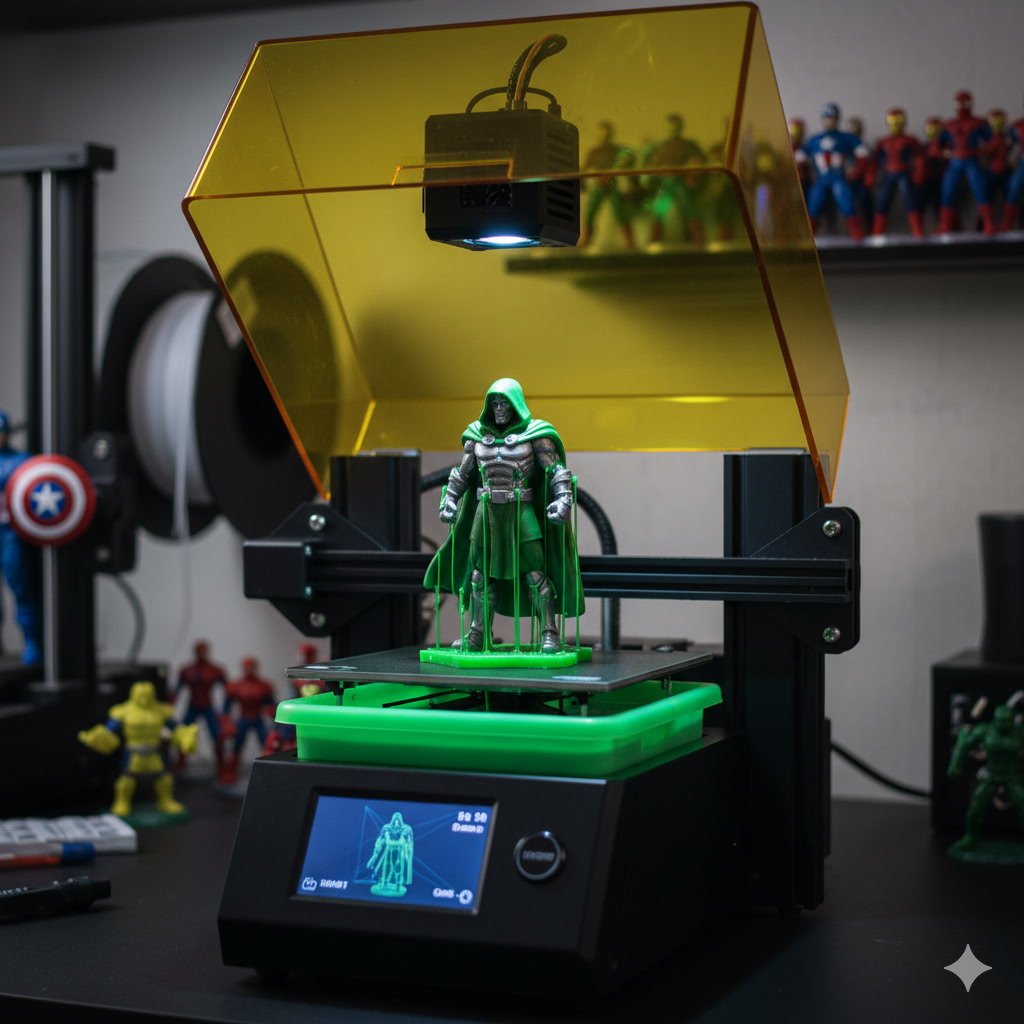
However, serious miniature hobbyists often look for even finer detail — something only resin-based (SLA) printing can achieve.
Types of 3D Printing for Hobbyists
- FDM (Filament Printing)
- Ideal for larger prints such as terrain pieces, vehicle parts, or scenic bases.
- Very cost-effective and easy to access at most public libraries.
- Dual-extrusion printers like the Ultimaker 3 (used in many library makerspaces) can handle detailed support structures and complex shapes with excellent precision.
- SLA (Resin Printing)
- Produces the highest level of detail and smoothest surface finish, perfect for small figures, heads, or mechanical components.
- Less common in public libraries but available in some academic labs and design institutions.
- For example, Toronto Metropolitan University’s Design + Technology Lab offers resin printing at about $0.45 per gram—a fraction of commercial pricing.
Though more expensive than standard filament, it’s a great option for hobbyists who need ultra-fine quality and have access to these facilities.
The Logistical Hurdle: Speed vs. Access
One of the biggest challenges when using public 3D printing is speed.
Your place in the printing queue — and how fast you get your models — depends on the type of service your library or lab uses.
Common Printing Models
- Staff-Mediated Printing
- Example: Winnipeg Public Library (ideaMILL)
- Pros: Library staff handle the setup and printing, ensuring quality and reducing mistakes.
- Cons: Wait times can be long — sometimes up to two weeks — which isn’t ideal for quick projects.
- Best For: Hobbyists who prefer reliability over speed.
- Certified Self-Service Printing
- Example: Vaughan Public Library (VPL)
- Pros: You manage your own prints, giving you full control and faster turnaround times.
- Cons: Requires completion of an online certification course and may have time limits (often around seven hours per print).
- Best For: Experienced users who want more independence and faster results.
- Time-Based Printing
- Example: University of Toronto Libraries
- Pros: Extremely affordable for small, quick prints.
- Cons: Longer prints can get expensive fast, as fees are typically charged per 30 minutes.
- Best For: Small or simple pieces that can finish printing in under an hour.
A New Era for Hobbyists
Public 3D printing has opened the door to a new creative era for hobbyists and model makers. What once required specialized equipment and costly services can now be done with a library card and a bit of patience. Whether you’re customizing tabletop miniatures, printing terrain for dioramas, or experimenting with your own designs, Canada’s network of public and academic makerspaces provides the tools to bring imagination to life.
The combination of affordability, accessibility, and innovation has turned 3D printing from a niche hobby into a true community resource—one that empowers creators of every skill level to build, experiment, and share their work with the world.
Thank you for reading and supporting independent creators.
Follow The Maverex Workshop for future articles on 3D printing, storytelling, and creative design.
And as always, Cheers!