A Fire God, Gridfinity, and Beyond
3D Printing Log #2
Same Printer, Better Instructions
This second batch of test prints was done on the same machine as Log #1: the Ultimaker at the Millennium Library.
Same printer. Same constraints. Same approval process.
What changed wasn’t the environment — it was how I worked within it.
After my first library print showed me where FDM starts to break down for minis, this batch was about seeing what the same machine could do when I stopped guessing and started respecting its limits.
This round included three very different prints: a detailed character model, a functional organizer part, and a piece of tabletop terrain.
I wanted variety, but I also wanted clean signals about what was actually working.
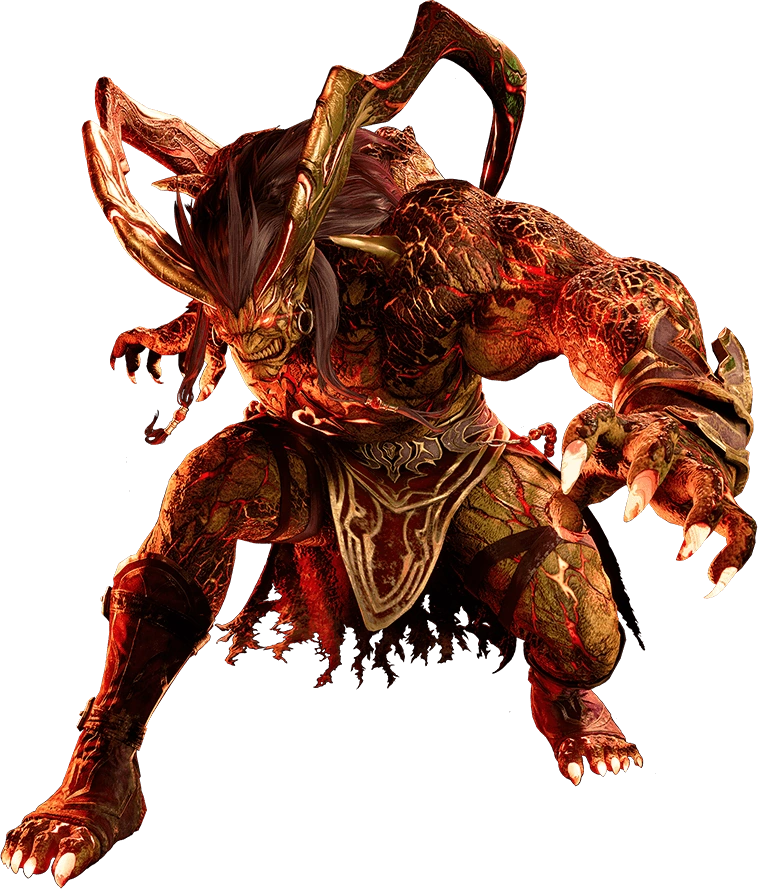
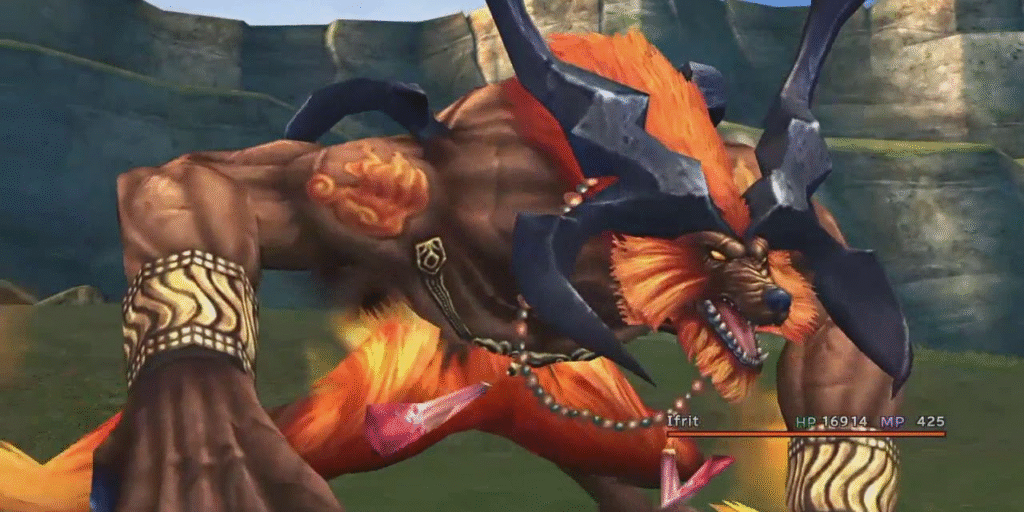
Print #1: Ifrit (Final Fantasy X) — Accidental Hero Scale Win
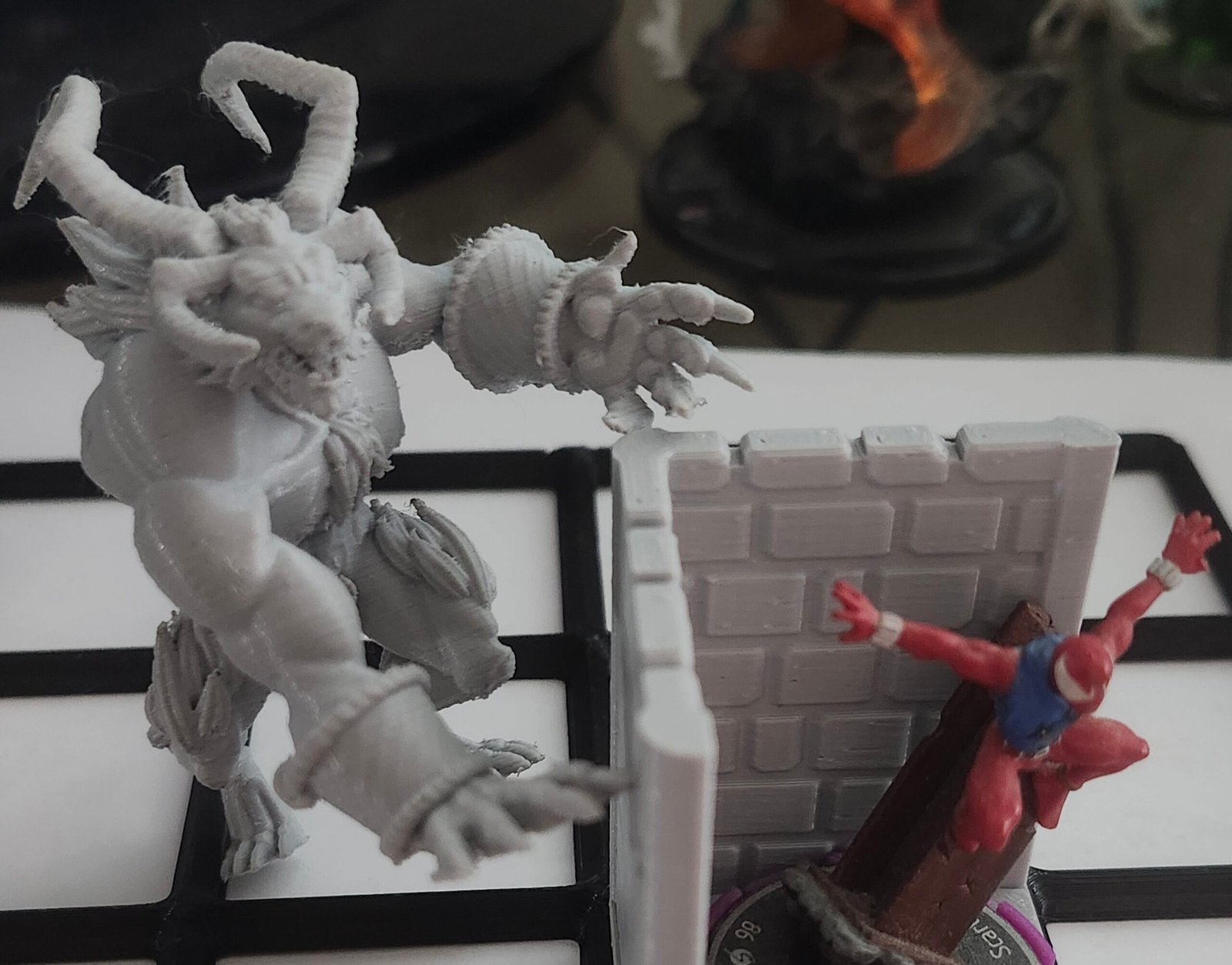
printed Ifrit from FFX, scaled correctly to hero scale — entirely by accident. The STL just happened to land at a size that worked once sliced, and I didn’t touch the scale.
Normally, that kind of luck doesn’t hold. This time, it did.
Horns printed clean
Claws survived
Overhangs behaved
Supports came off without tearing details
It was my first real confirmation that the printer can handle complex organic geometry when the slicer settings aren’t actively fighting it.
That said, this worked by accident, not by control — which meant I couldn’t reliably repeat it yet. It was a win, but not a workflow.
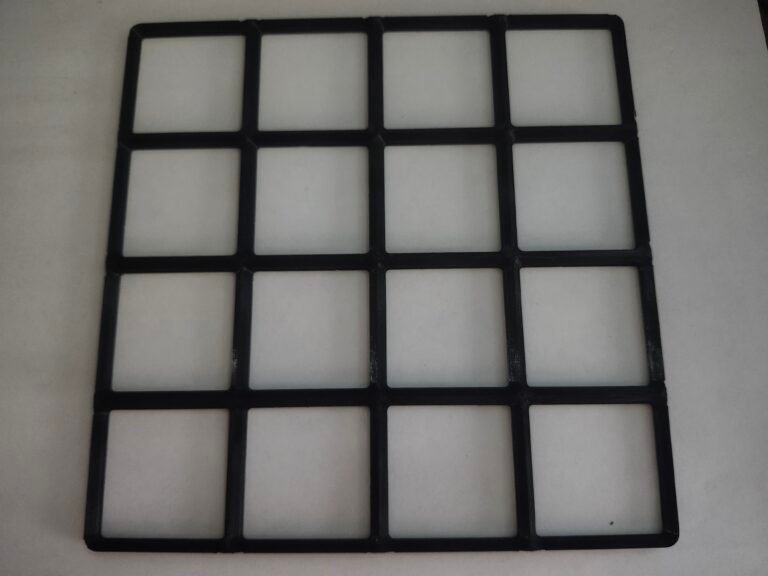
Print #2: Gridfinity 4×4 Frame
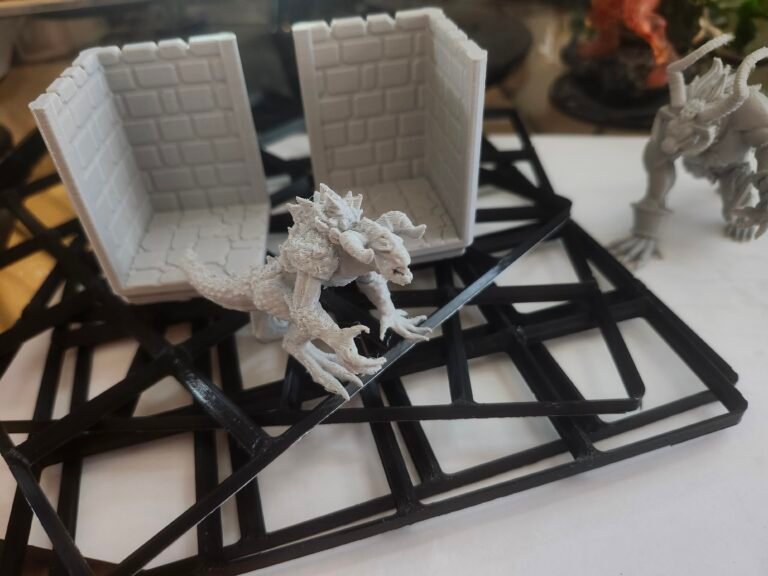
Next up was a Gridfinity 4×4 frame, chosen specifically because it was the largest Gridfinity part that would fit inside the library’s build volume.
This wasn’t a decorative print. It was a stress test:
Print time versus size
Structural integrity
Whether faster infill strategies would hold up
It printed clean, square, and solid enough for real use. That mattered, because Gridfinity parts are exactly the kind of thing I want to batch-print later without babysitting or rejections.
A Quick Sidebar: What Gridfinity Is (and Why I’m Using It)
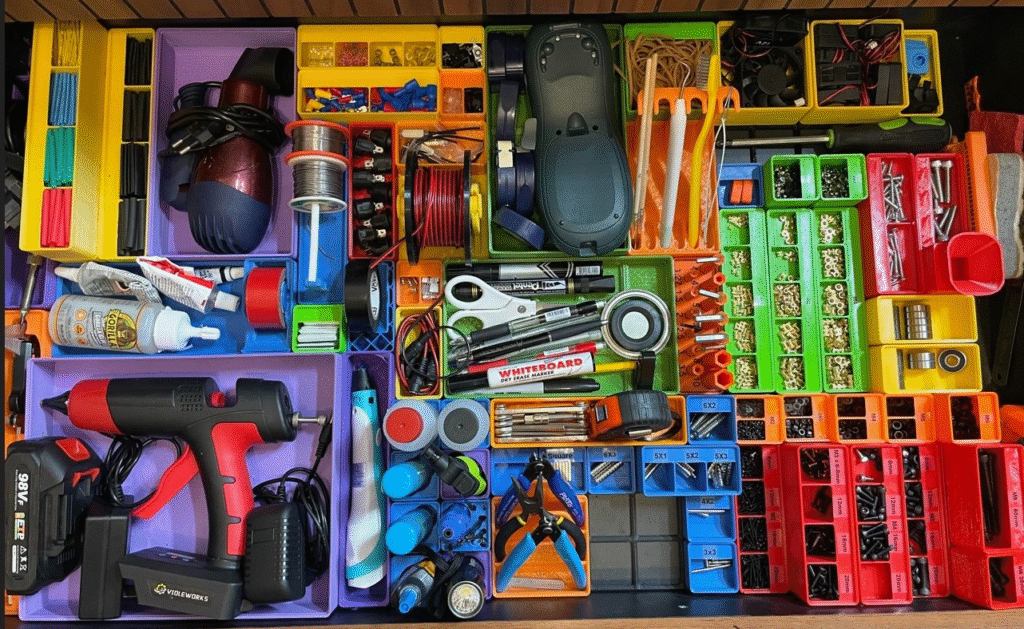
While I was hunting for usable STLs and trying to understand what actually prints well under library constraints, I kept running into Gridfinity. At first I thought it was just another organizer system. It’s not.
Gridfinity is a modular, open-source storage system designed around a simple grid standard. Everything snaps into a shared footprint, which means bins, trays, holders, and tools all play nicely together — even if they’re made by different people.
The core idea is credited to Zack Freedman, who did something important right out of the gate:
he made the system free, documented, and easy for others to build on.
Why Gridfinity Works (Especially for FDM)
From a printing standpoint, Gridfinity has a few huge advantages:
Predictable geometry
Straight walls, flat bases, repeatable dimensions.Scales cleanly
Small bins, big frames, or full plates — same logic applies.Forgiving tolerances
Perfect for public printers where you don’t control calibration.Community-driven STLs
There’s already a massive ecosystem of parts that follow the same rules.
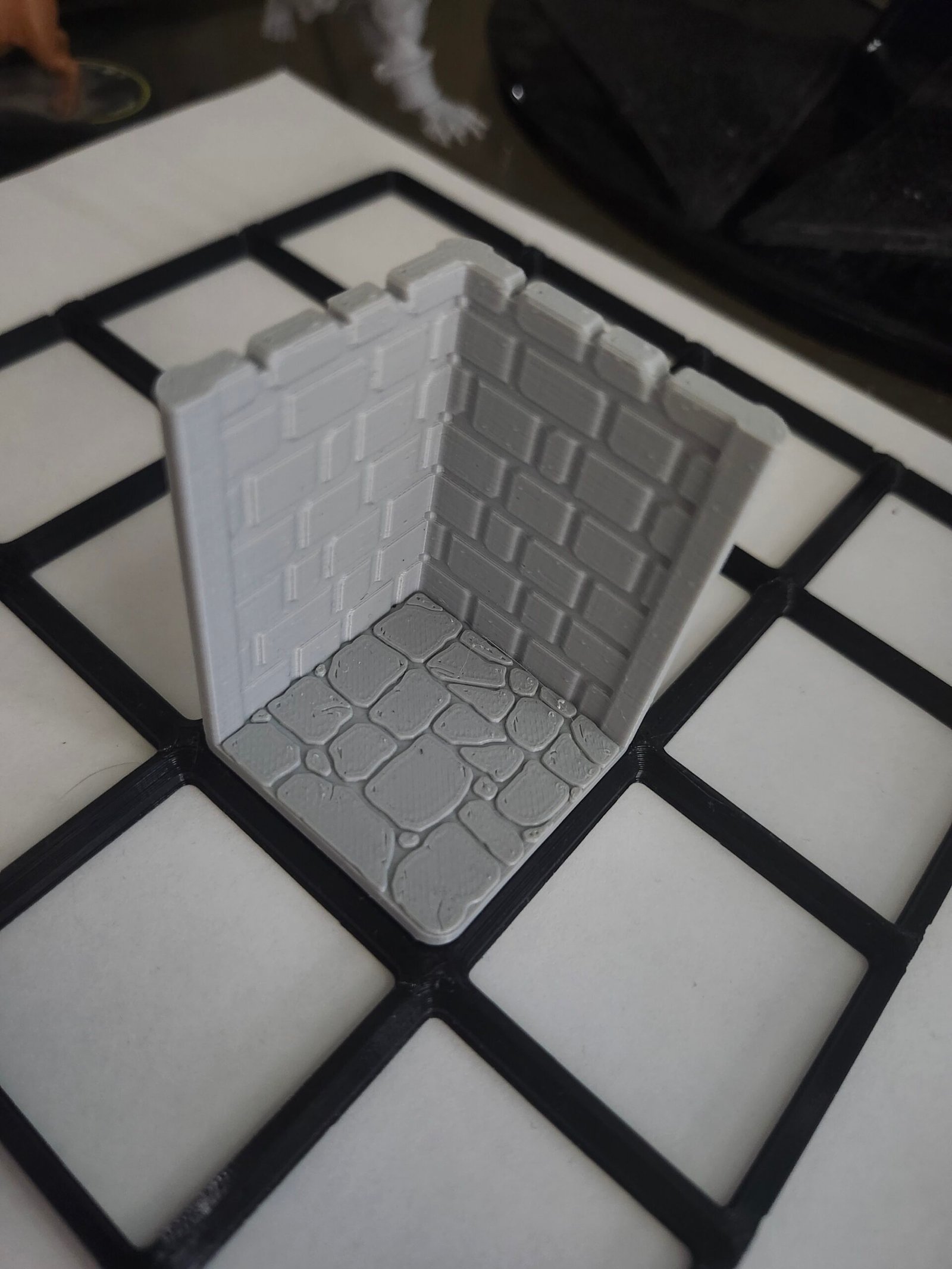
That’s why my 4×4 frame and dungeon wall corner printed so cleanly. They’re not asking the printer to do anything fancy — they’re asking it to do things it’s already good at.
Why I’m Promoting It Here
I didn’t go looking for Gridfinity to organize my desk. I found it while trying to solve a printing problem:
“How do I submit STLs that are reasonable, repeatable, and unlikely to get rejected?”
Gridfinity accidentally answers that question.
It’s one of those rare cases where:
The design philosophy respects real-world constraints
The system is genuinely open
And the creator didn’t lock it behind a paywall
Zack didn’t have to release it the way he did — but he did, and the entire 3D printing community is better for it.
How This Connects Back to the Log
I’m not done with character models or terrain — not even close. But Gridfinity gave me a baseline:
Known-good geometry
Predictable scaling
Lower-risk prints while I’m still learning
That matters when every print request is reviewed by a human and capped at 10 hours.
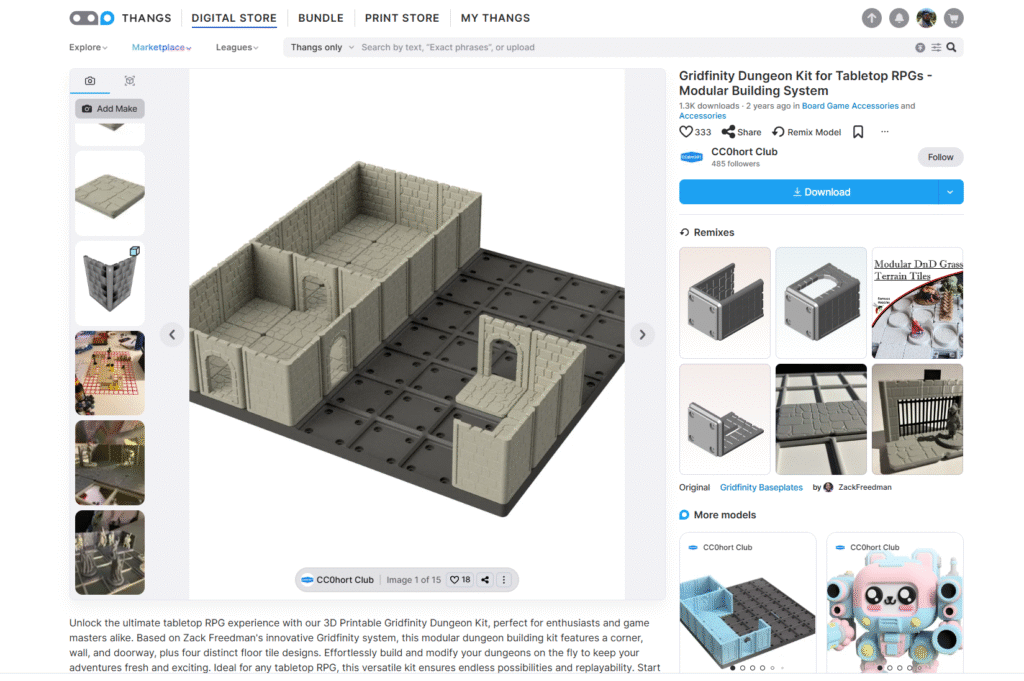
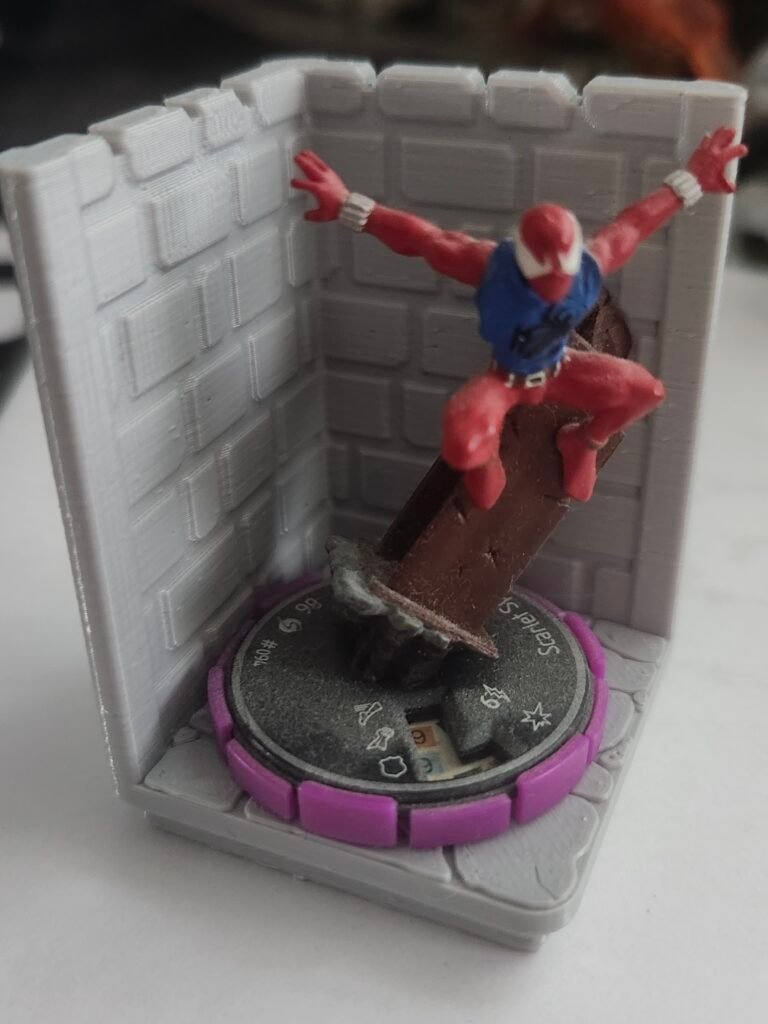
Print #3: Gridfinity Dungeon Wall Corner (TTRPG Terrain)
The third print was a Gridfinity Compatible Dungeon Wall Corner for tabletop RPG terrain.
This piece sits in the middle ground:
Decorative enough that surface quality matters
Functional enough to stack and handle
Doesn’t demand fine human-scale facial detail
These parts succeeded because they don’t ask the printer to resolve the kind of tiny, high-frequency detail where FDM really struggles. As terrain, they’re forgiving — and that’s a feature.
Ironically though, this piece ended up with a higher level of detail than Ifrit did lol.
The Print Settings That Actually Mattered
All three prints used suggested slicer settings from Gemini, and for once, the advice lined up with reality. Not because it was “optimal,” but because it respected the constraints I’m under.
These settings worked in this environment — on this printer, under these time limits. That context matters.
Lightning Infill (The Biggest Change)
Infill Pattern: Lightning
Infill Density: 10–15%
Lightning infill was the single most important change I made.
Instead of filling the entire model like concrete, it creates branching internal supports that only get dense near the top surfaces. The result:
Dramatically reduced print times
No top-surface sagging
Plenty of strength for minis and terrain
Under a hard 10-hour cap, this setting alone can decide whether a print gets approved or denied.
Walls: 2–3 Perimeters
Enough shell thickness that:
Horns don’t snap
Claws don’t shear off
Thin edges survive handling
This is cheap insurance. A small time increase in exchange for far fewer fragile failures.
Layer Height: The 0.16mm Compromise
0.12mm looks great, but burns time fast
0.20mm prints quickly, but reads like a prototype
0.16mm hits the balance
At tabletop distance, 0.16mm still reads clean, and the slicer estimates stayed comfortably under the library’s limit.
Tree Supports (Auto)
For organic shapes like Ifrit:
Tree supports wrap around geometry instead of boxing it in
Easier removal
Less surface scarring than block supports
They’re not perfect, but they’re far more forgiving for this kind of work.
Results
All three prints:
Were approved
Printed successfully
Stayed within time limits
Came out clean enough for tabletop use
No failures. No rejections. No mystery issues.
That alone made this batch a success.
Where It Fell Apart: STL Scaling and Communication
I also submitted STLs for:
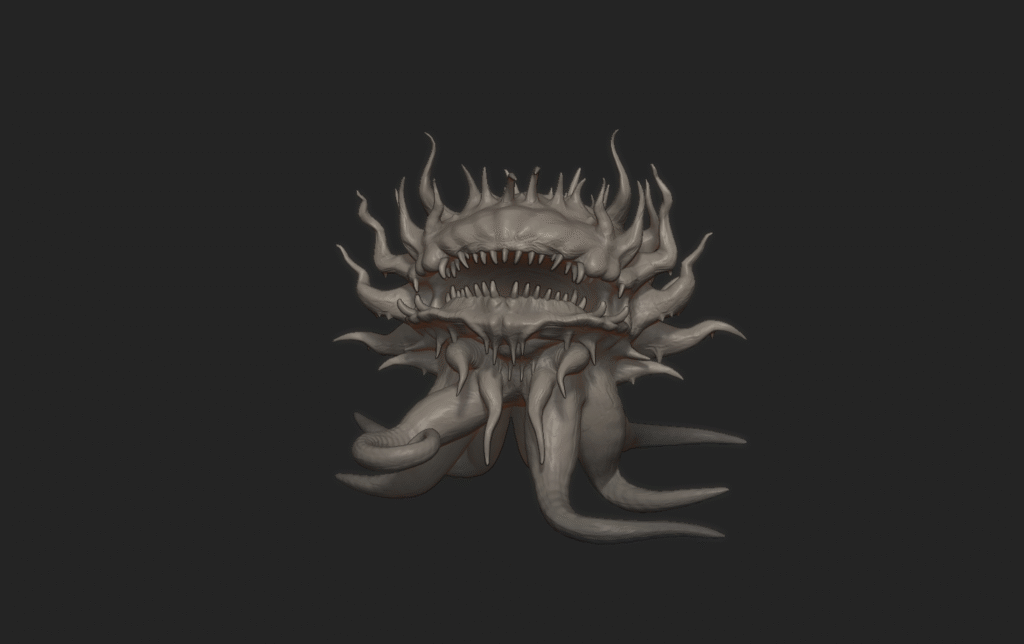
A Malboro (Final Fantasy)
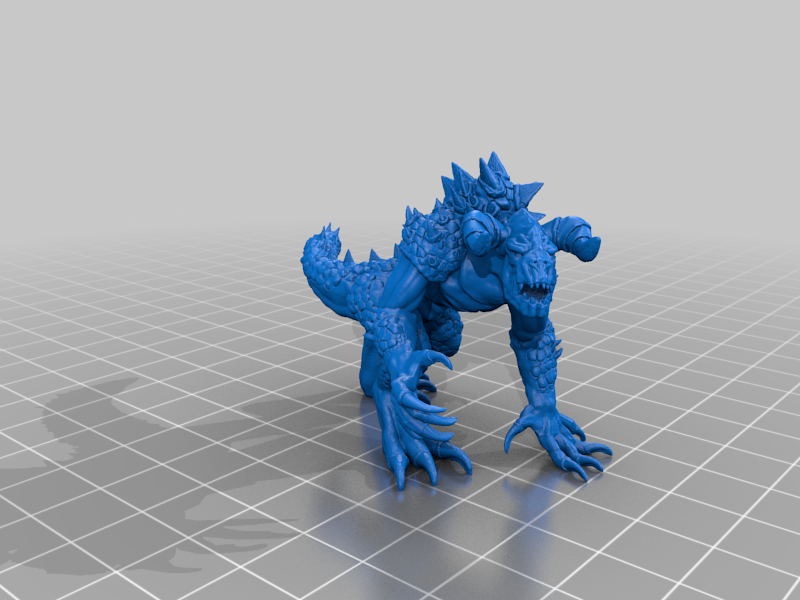
A Deathclaw (Fallout 4)
Both were denied.
Not because the models were bad — but because my instructions were.
I overexplained. I mixed concepts like “hero scale” with real-world dimensions. I tried to describe intent instead of giving clear, unambiguous numbers. From the library’s perspective, the requested sizes didn’t make sense.
That’s when the real lesson landed:
Public print services don’t want intent — they want dimensions.
If the person running the printer can’t quickly understand:
Final size
Orientation
Reasonableness of the print
…it doesn’t matter how good the STL is.
I handed them a blueprint with no clear dimensions and wondered why it got rejected.
What's Next
That failure pushed me into a new problem space:
Properly scaling premade STLs
Editing models instead of relying on slicer scaling
Translating “tabletop scale” into real-world measurements
Submitting files that require less interpretation by staff, not more
I’ve made real progress on that front — but that’s its own log.
That will be 3D Printing Log #3.